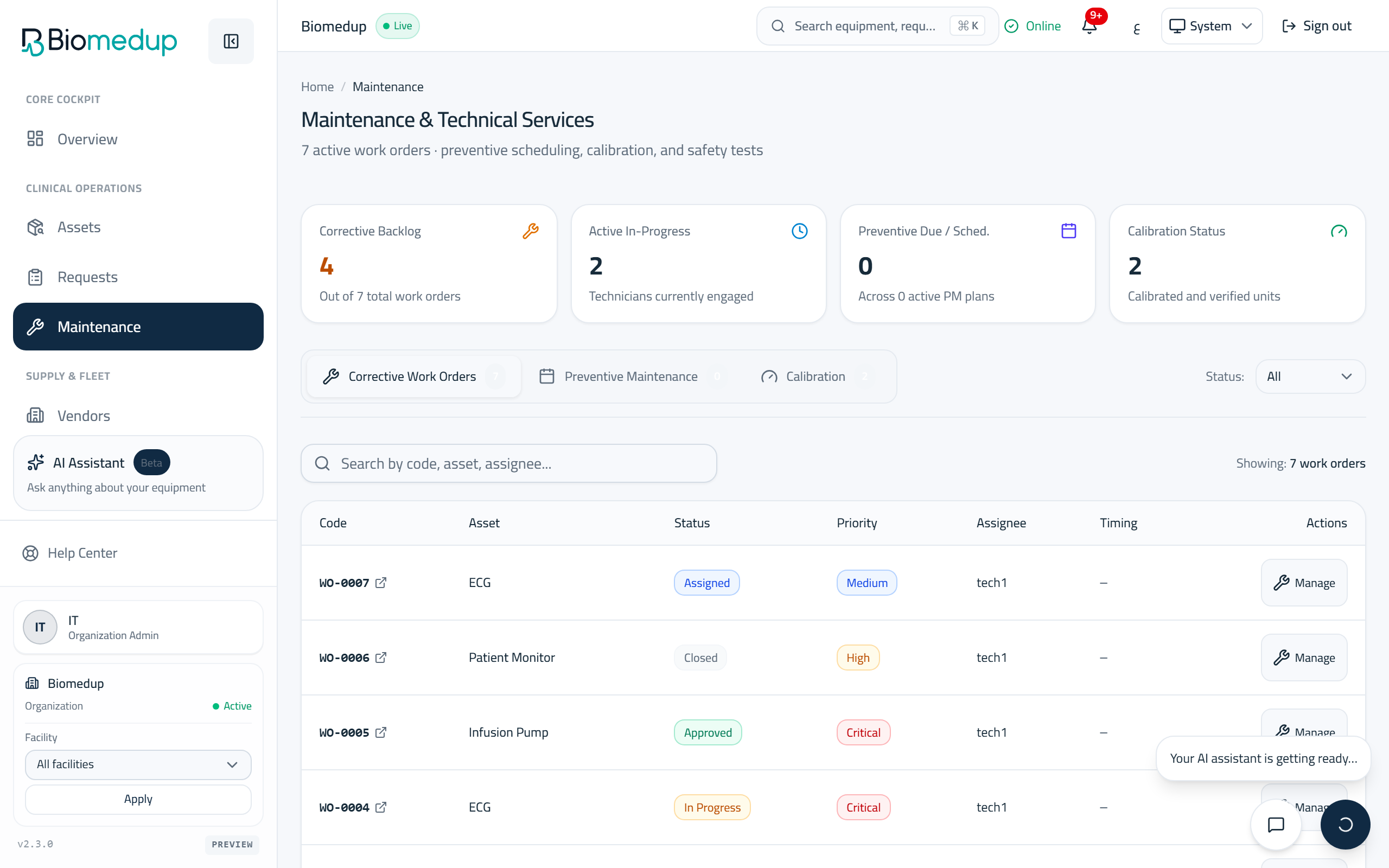
Maintenance
Work orders, preventive maintenance, and calibration in one place.
Steps
- Corrective work orders lists every repair with its status, priority, and assignee; open one to act on it.
- Move a work order through its workflow with the transition menu: every allowed next step is offered, nothing else.
- Assign a work order to a technician; returning or rejecting requires a reason and is recorded.
- Preventive maintenance shows each plan, its frequency, and the next due date; overdue PM on critical equipment is flagged.
- Complete a due PM task from its row; completion notes are optional and kept with the work order.
- Calibration work follows the same pattern on the calibration tab.