Login
Sign in with your organization account, switch the interface language, and recover a lost password.
Steps
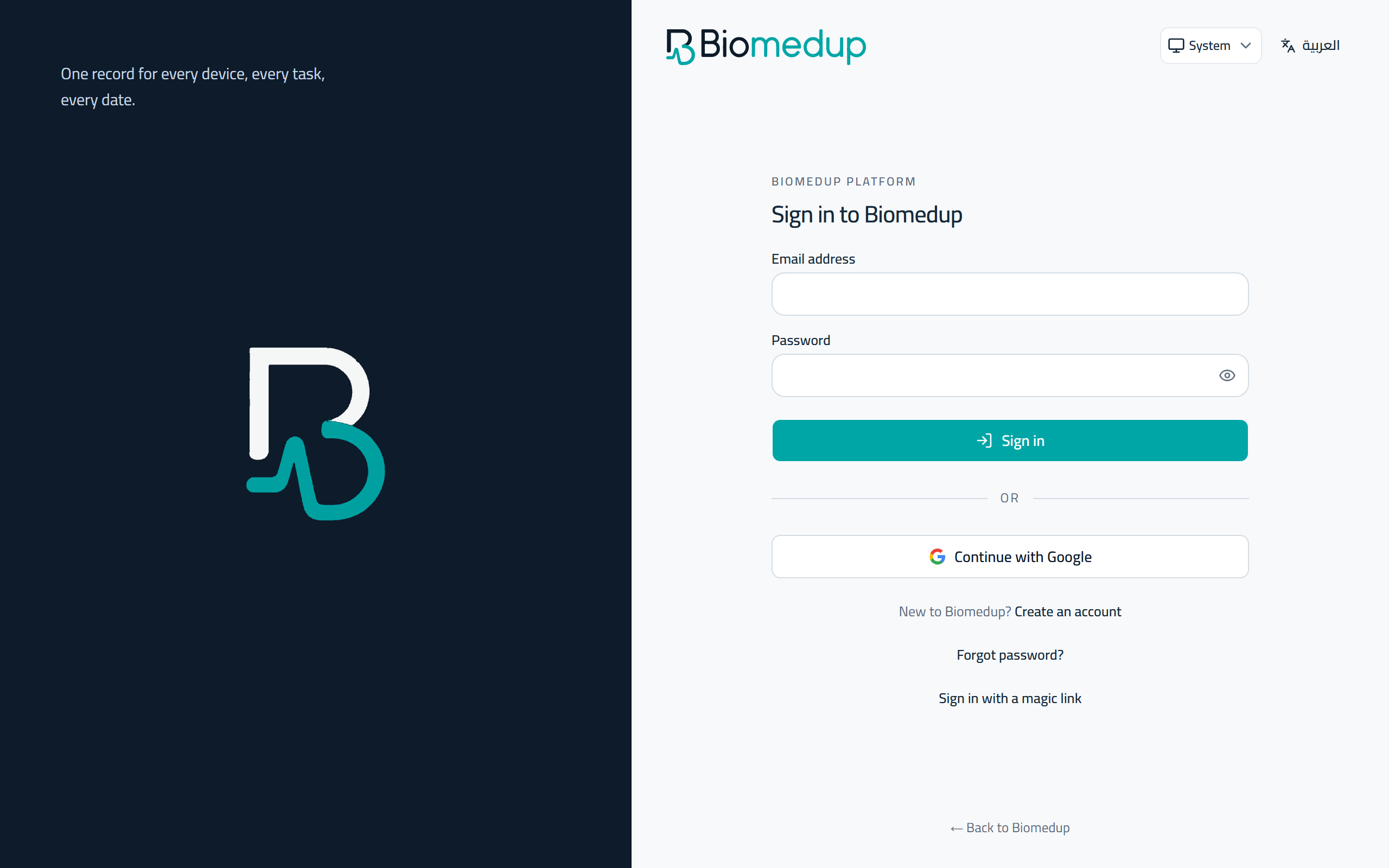
- Open Biomedup and enter your work email and password.
- Choose Sign in to open your facility workspace.
- Use the language control on the sign-in page to switch between English and Arabic.
- If you forget your password, choose Forgot password and follow the email link to set a new one.