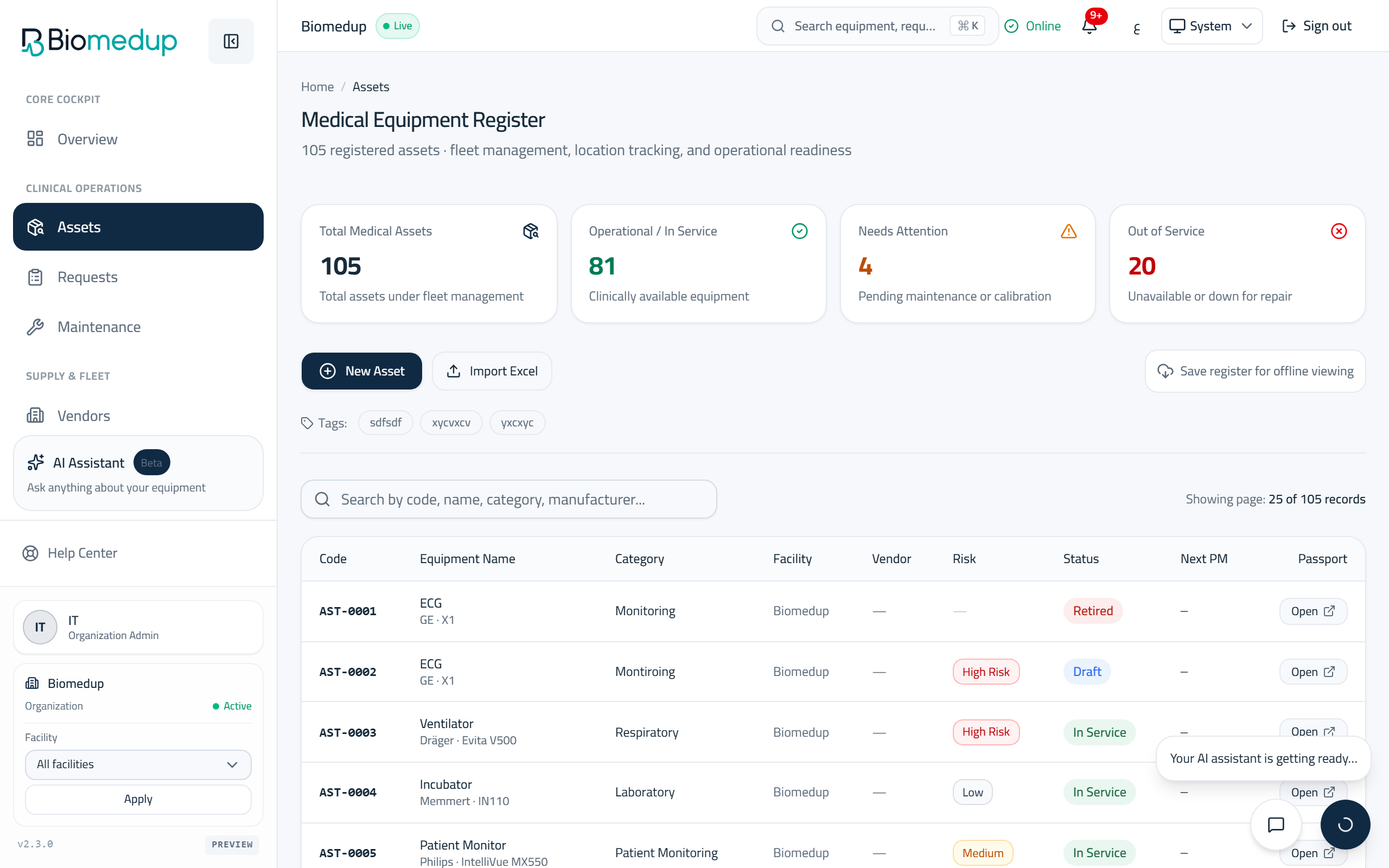
Assets (equipment)
The equipment register: search, filter, open a device passport, and import equipment in bulk.
Steps
- The Assets page lists every device in your facility with its status and category.
- Search by name or code, and filter by status or category to narrow the list.
- Open a device to see its passport: identity, status history, maintenance, documents, and its QR identity.
- Use Import to bring equipment in from a spreadsheet; the page validates every row before anything is saved.